|
 |
|
Playlist
|
|
|
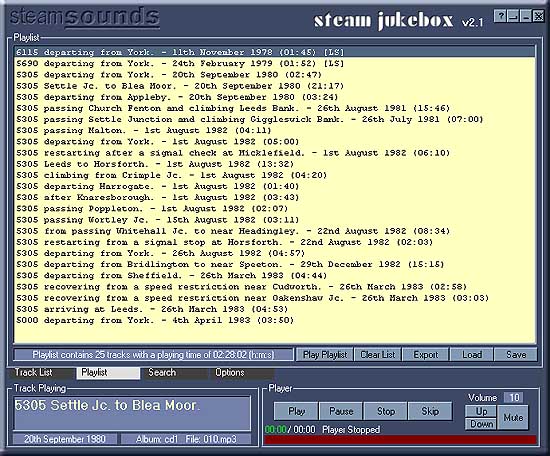
Click on part of the picture above to get information about that area |
|
|
The
Playlist Playlist
Control buttons |
|
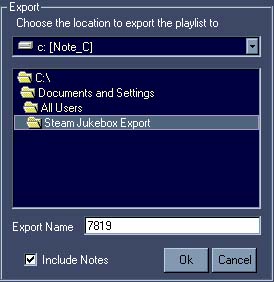 |
Here you can choose a drive and folder for the exported files to go
to. |
|
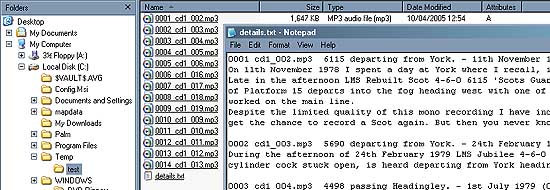
When the export is complete look in the appropriate folder where you will find the files. The folder and it's content will look something like this.
|
|
|
The new filenames indicate which Album the
recording came from. cd5_108.mp3 is from album cd5 and is file 108.mp3
in that album! Load
& Save - These two buttons allow you to Save a playlist and
later, reload it. Just choose a suitable location to save it in and
give it an appropriate name. Saved playlist files have the extension
.pll. Playlist
Information Window
controls The
Player |
|